

A mobile employee self-service app should let people finish common HR tasks without calling the office. Evaluate it with the phones, connection quality, and working conditions your employees use. Give employees and supervisors a short list of tasks and watch where they hesitate, repeat a step, or need help.
Start with an employee’s everyday work
Ask a staff member to find their leave balance, submit a request, and tell you what happens next. Have them find one payslip and confirm the correct month. Use a test account and sample salary records so people can discuss the experience freely.
Check that labels and navigation make sense to your teams. Include a small screen and slow connection. If your workforce needs Bangla or English support, confirm which screens, notifications, help text, and support channels are available in each language.
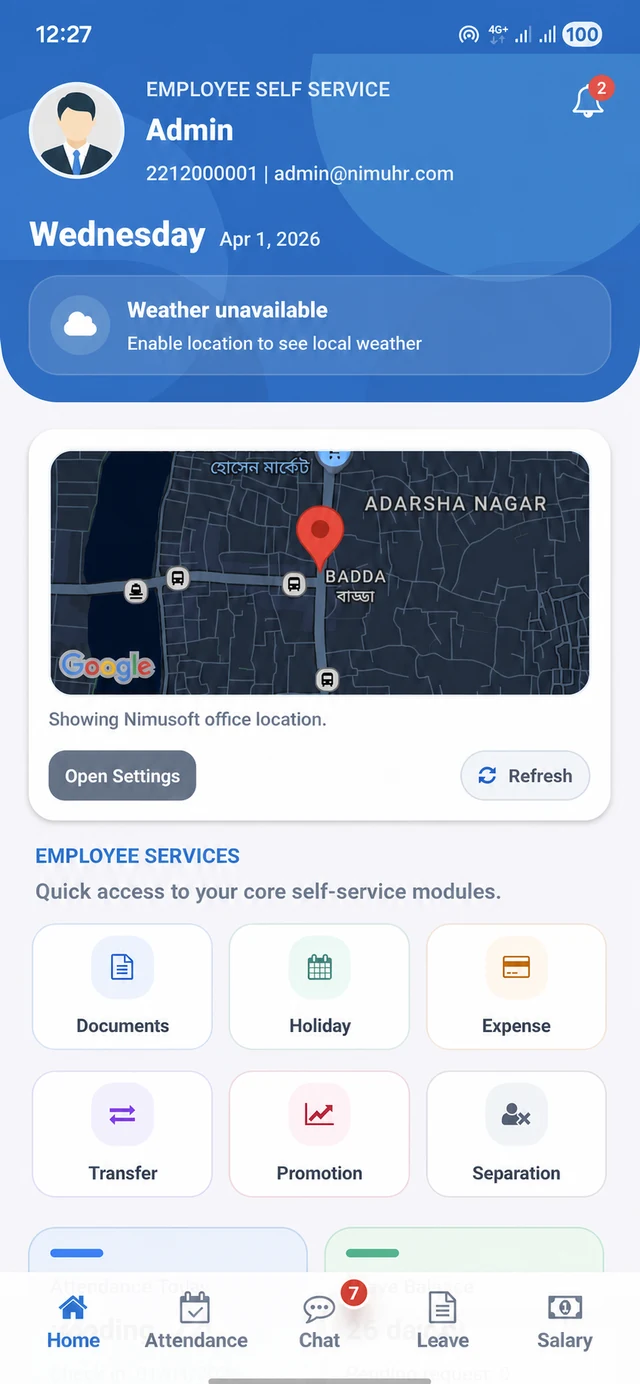
Test a complete request and approval
Give the employee, manager, and HR reviewer separate accounts. From the phone, submit a leave request, check what the manager receives, and verify which status the employee sees after approval. Repeat with a rejected or cancelled request and confirm which actions the employee can take next.
Ask HR to handle an attendance exception related to the request. Check that employees can see their own records, managers see the employees assigned to them, and salary information is visible only to the intended roles.
| Mobile task | Evidence to look for |
|---|---|
| Find a leave balance and submit a request | Clear balance, dates, destination, and confirmation of submission. |
| Approve or return a request | Enough context to decide and a status the employee can verify. |
| Open the correct payslip | Clear month and document access limited to authorized users. |
| Recover after the connection drops | A useful message and a way to confirm whether the request was saved. |
Measure usability before rolling it out
Use the same sample tasks and success criteria for each app you compare. Record completion time, requests completed without help, and mistakes that need an HR correction. Test text enlargement, clear status messages, and the ease of reopening an unfinished task.
Ask pilot employees and managers where they needed help and which steps felt clear. Check the same tasks again after addressing the problems. Keep the task results alongside survey feedback so the team can explain its decision.
Take these tasks into a NimuHR demo
The NimuHR mobile product page documents attendance, leave requests, payslip access, notifications, and related employee services. Ask Nimusoft to show your intended workflow on the devices employees will use and confirm which roles, languages, and features are available in the proposed setup.
Evaluate the workflow in NimuHR
Bring your employee groups, attendance rules, payroll requirements, and existing systems to a demonstration. Agree the scope, implementation responsibilities, and acceptance criteria with the team.
See the NimuHR employee self-service app · NimuHR product overview · Request a NimuHR demo